
Tailwind vs Bootstrap are two popular tools used to style websites. Both help you build modern websites faster, BUT…. they follow very different approaches.
Bootstrap gives you ready-made components to launch quickly, while Tailwind offers utility classes for complete design control.
So which one should you use for your project?
Let’s break down Tailwind vs Bootstrap by performance, flexibility, and design to help you decide what actually works best for you.
What is Tailwind vs Bootstrap?
Before we dive into comparisons, let’s quickly break down what each framework is.
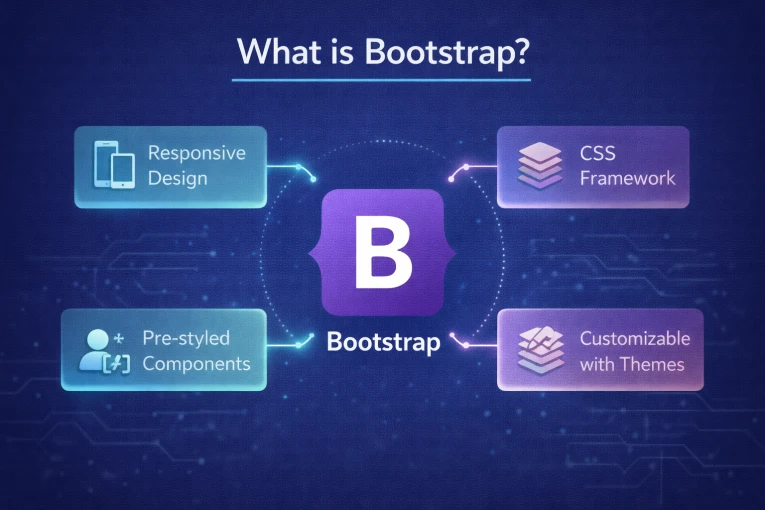
Bootstrap is a popular front-end framework that helps you build websites and web apps quickly. Instead of writing all the CSS and HTML from scratch, you get a library of ready-made components. These include buttons, forms, grids, navbars, and cards.
These components are already styled and responsive, so your site works well on desktops, tablets, and phones without extra effort.
It’s been around for over ten years and has a huge community, tons of tutorials, and lots of tools. This makes it easy for beginners and developers to create professional-looking websites fast, even if they don’t have advanced design or CSS skills.
| Pros | Cons |
|---|---|
| Easy for beginners and backend developers. | Limited design flexibility without overriding styles. |
| Large community and plenty of resources. | Larger CSS bundle by default. |
| Consistent, responsive UI out of the box. | Less suited for highly customized, modern designs. |
| Good for prototypes, dashboards, and MVPs. | It can include unnecessary code that slows page load. |
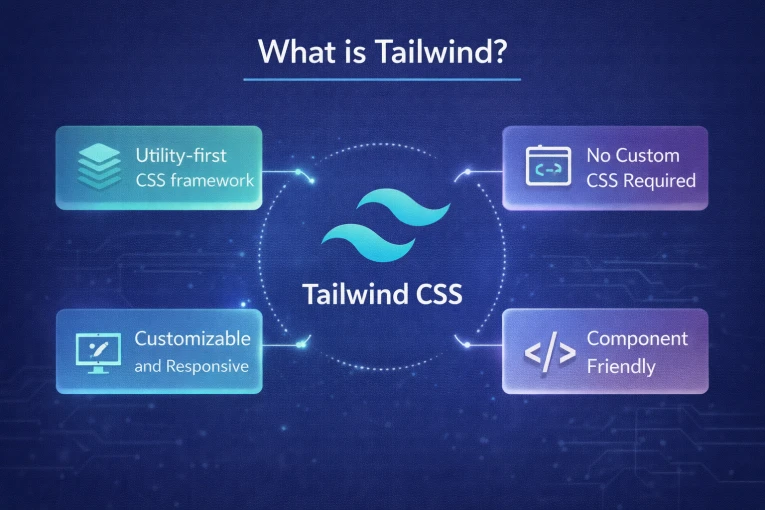
Tailwind CSS is a tool that helps you style websites using tiny “building blocks” called utility classes. Instead of giving you pre-made buttons, forms, or layouts, Tailwind gives you small instructions like:
- p-4 → adds padding
- text-center → centers the text
- bg-blue-500 → makes the background blue
You combine these small classes directly in your HTML to create your own design. It’s like giving you Lego pieces instead of a pre-built model, you can build anything you want, exactly the way you want it.
| Pros | Cons |
|---|---|
| Full design flexibility, build unique, custom interfaces. | Steeper learning curve for beginners. |
| Small CSS bundle, better performance. | Takes time upfront to set up classes for every element. |
| Works seamlessly with modern JS frameworks (React, Vue, Svelte). | No ready-made components; everything must be built. |
| Utility-first approach keeps CSS maintainable. | It can feel overwhelming with lots of utility classes in HTML. |
| Great for long-term, scalable projects. | Smaller community than Bootstrap (but growing fast). |
Tailwind CSS vs Bootstrap: Which Is Better for Performance and Design?
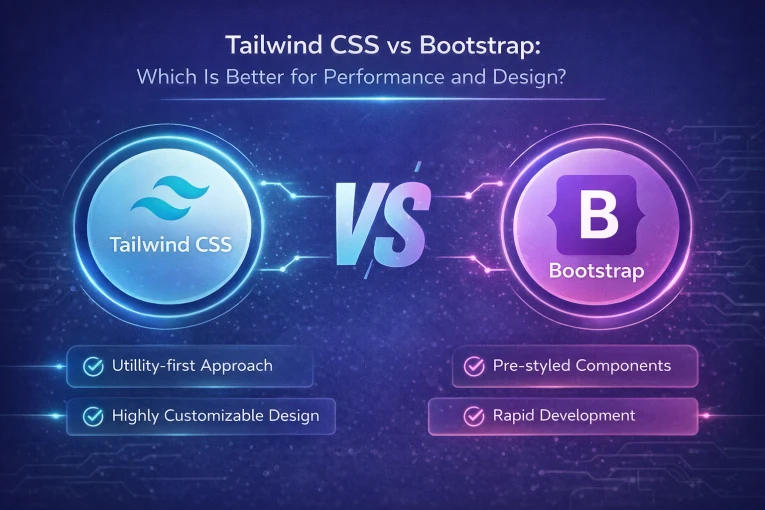
When it comes to Tailwind CSS vs Bootstrap, the real question isn’t which one is better overall. It’s which one fits your project?
Let’s see which is better for performance and design.
Let’s talk performance first:
Tailwind is built for speed. It generates only the CSS you actually use. That means smaller files and faster page loads. If performance and SEO matter to you, Tailwind usually has the edge.
Bootstrap ships with a lot of pre-built styles and components. That helps you move fast, but it also means extra CSS that your project may not need. Pages can feel heavier unless you spend time trimming things down.
Now, design and flexibility
This is where the difference becomes obvious…..
Tailwind gives you full control. You build designs using small utility classes, so your site looks exactly how you want it to. No fighting default styles. No “this looks like every other site” problem.
Bootstrap gives you ready-made components that look clean and professional right away. The downside? Many Bootstrap sites end up looking similar unless you customize heavily.
Hence, the choice comes down to whether you value performance and creative control over convenience and ready-to-use components.
Tailwind CSS vs Bootstrap (Simple Comparison)
| Feature | Tailwind CSS | Bootstrap |
|---|---|---|
| How it works | Uses small utility classes to build designs from scratch. | Provides ready-made components like buttons, forms, and layouts. |
| Design style | Highly flexible and customizable. | Pre-designed and consistent, but often looks similar. |
| Customization | Full control over every design detail. | Limited customization without overriding styles. |
| Learning Curve | Takes some time to get used to. | Easy for beginners. |
| Community | Newer but growing fast. | Very large and well-established. |
| File Size | Lightweight and loads only what you use. | Heavier because it includes many default styles. |
| Best For | Custom designs and modern web apps. | Quick builds and standard layouts. |
| Popular Users | BlaBlaCar, Exyplis, Bazzite | Spotify, Twitter, Lyft |
Which Framework Should You Choose?
Not sure which framework to pick for your project? Let’s break it down.
Option 1: Choose Bootstrap
- When speed matters more than design.
- If you need to ship fast, Bootstrap helps. You get ready-made buttons, forms, and layouts.
- It’s great if you are new to frontend work or come from a backend role and don’t want to worry about spacing, colors, or layouts.
- Bootstrap works best for dashboards, admin panels, MVPs, and internal tools.
- If your team has no designer and wants proven patterns, Bootstrap is the safer bet.
Option 2: Choose Tailwind
- When design and performance matter.
- Tailwind gives you full control over how your site looks.
- Want to build a custom, branded interface without fighting default styles.
- If you care about performance and have design support, Tailwind pays off.
Conclusion
When it comes to Tailwind vs Bootstrap, there’s no one-size-fits-all answer. It all depends on your project and priorities.
If you want to launch quickly with ready-made components and don’t need heavy customization, Bootstrap is the practical choice. Whereas, if you want full design control, a unique look, and better performance, Tailwind is the way to go.
Ultimately, the right framework is the one that fits your workflow, your team, and your project goals. Choose what helps you build faster, cleaner, and smarter.