
DevOps Tools are what help development teams create working software more quickly and efficiently.
Today teams don’t just write code and wait for weeks…. To release it. They now build, test, fix, and launch updates every day. This can feel confusing without the right tools.
That’s where…
DevOps tools helps developers & operations team work together, avoid mistakes, and save time.
BUT.. with so many DevOps tools available choosing the right one feels difficult. That’s why this guide exist , it will help you understand which tol is actually matter.
What Exactly DevOps Tools & Why do teams need them?
Before we dive into specific tools, let’s get crystal clear on what DevOps tools actually do and why they’re so important.
DevOps tools are software applications that help automate, streamline, and integrate various stages of the software development lifecycle. They bridge the gap between development (Dev) and operations (Ops) teams, enabling faster, more reliable software delivery.
The global DevOps market started with a $4 billion valuation in 2019 and grew to $10.4 billion in 2023, with projections hitting $25.5 billion by 2028 at a CAGR of 19.7%.
BUT… you must be thinking, still how it is helpful. Let’s see those benefits:
- Faster Release: DevOps tools automate builds, tests, and deployments. This means code moves from a developer’s laptop to production quickly and safely. Teams can ship updates in minutes instead of waiting weeks.
- Better Teamwork: DevOps breaks the wall between developers and operations. Both teams share the same tools and goals. This removes confusion, blame, and delays.
- Easy Scaling: DevOps tools help systems grow smoothly. When users increase, the app stays stable. No sudden crashes or performance drops.
What are the top DevOps Tools Development Teams Use in 2026?
Let’s get specific about the tools that are actually winning in 2026.
I’ll break these down by category so you can understand what each tool does and why teams choose them.
1. Operating Systems & Fundamentals
Linux:
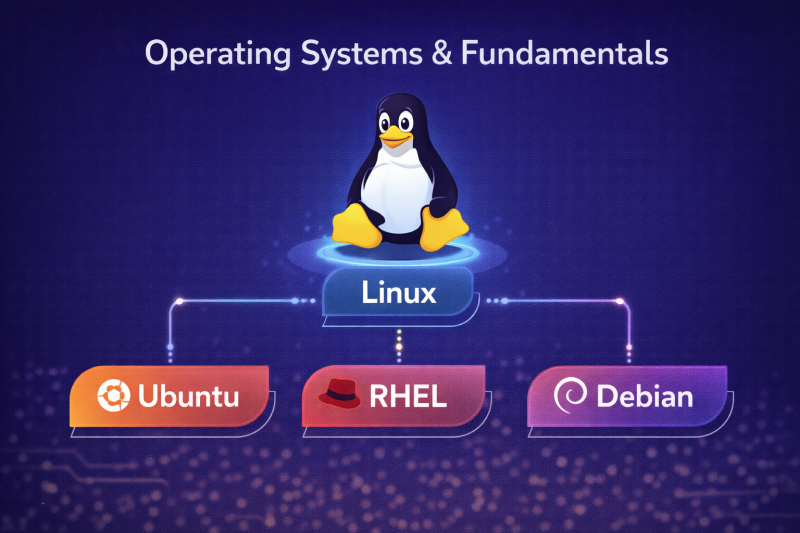
Linux is the foundation of DevOps. Almost every cloud server runs on it because it is stable, fast, and free. If you work in DevOps, Linux is not optional.
Below are the different versions of linux designed for specific use cases.
- Ubuntu: Best choice for beginners and startups. Use Ubuntu when you want quick setup, lots of tutorials, and smooth cloud support. Most CI/CD tools and cloud images work best with Ubuntu.
- RHEL: Used by large enterprises and regulated industries. Choose RHEL when your company needs long-term stability, strict security rules, and paid support.
- Debian: Known for being extremely stable. Use Debian when reliability matters more than new features, such as backend systems or long-running servers.
2. Programming & Scripting
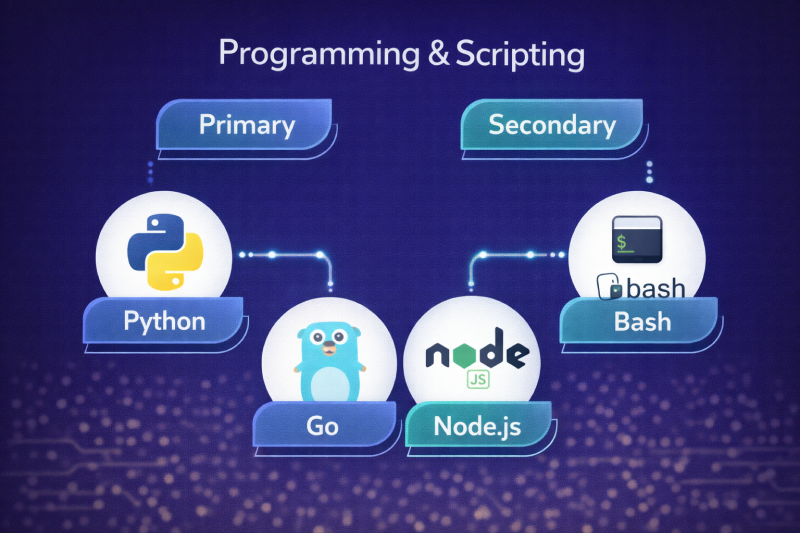
Primary:
- Python: Use Python when you need automation, cloud scripts, monitoring tools, or deployment logic. It is easy to read and perfect for DevOps engineers who are not full-time developers.
- Go: Use Go when performance matters. Many core DevOps tools are built with Go. Choose it for building fast APIs, controllers, and Kubernetes tools.
Secondary:
- Bash: Best for quick server tasks. Use Bash when you need to automate small jobs like backups, log cleanup, or server setup.
- Node.js: Useful when building DevOps dashboards, internal tools, or automation APIs.
3. Version control (Track code changes)
Git hub
GitHub remains the most popular platform with Python overtaking JavaScript as the most used language on GitHub in 2025, posting a 22.5% year-over-year increase in contributions.
Use GitHub when:
- Multiple developers work together
- You need code reviews and history
- You want CI/CD automation
4. Containers & Orchestration (Packages and manages applications in containers)
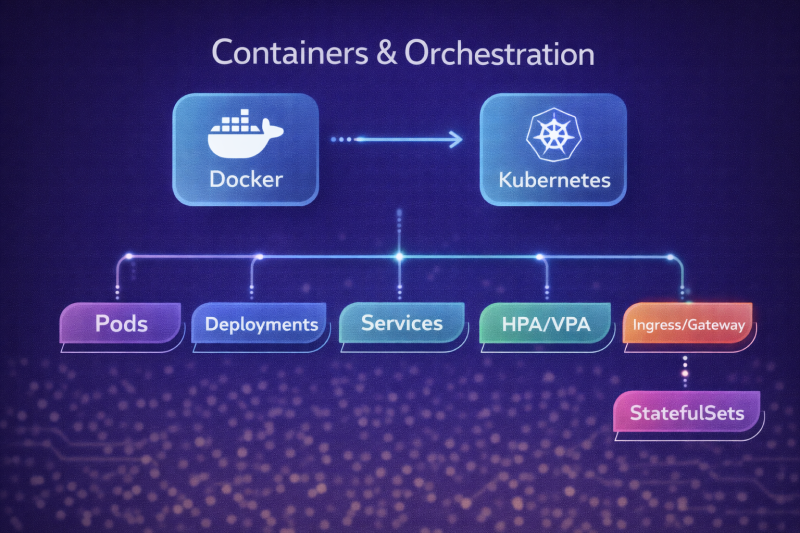
1. Docker: Docker packages your app with everything it needs to run.
When to use it:
Use Docker when developers say, “It works on my laptop but breaks on the server.” Docker removes that problem.
Where it helps:
- Local development
- Testing environments
- Simple production setups
It ensures the same app runs the same way everywhere.
2. Kubernetes (core skill): Kubernetes is the manager for Docker containers.
When to use it:
Use Kubernetes when your app has multiple services, heavy traffic, or needs high availability.
What it handles for you:
- Pods: Small units that run containers
- Deployments: Control updates without downtime
- Services: Connect apps to each other
- HPA/VPA: Scale automatically when traffic increases
- Ingress/Gateway: Manage incoming traffic
- StatefulSets: Handle databases safely
Kubernetes keeps your app running even when things fail.
5. Cloud Providers
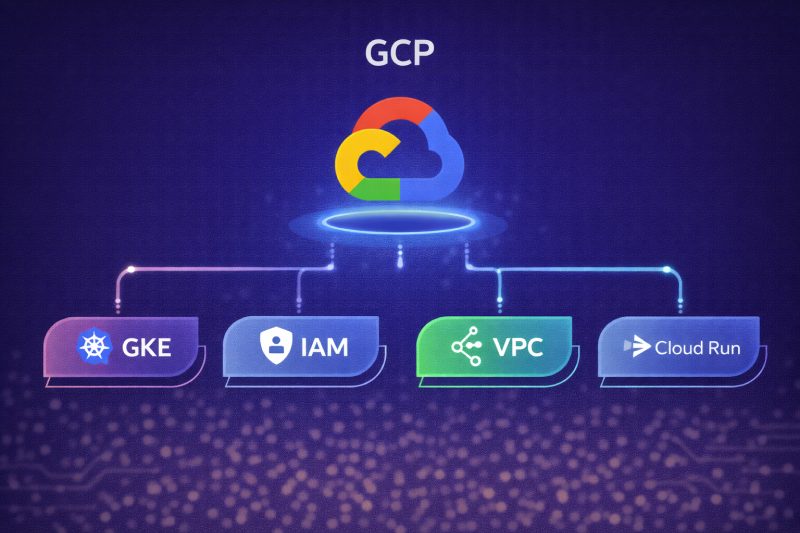
GCP: GCP is Google’s cloud service where companies run websites, apps, databases, and backend systems without owning physical servers. Instead of buying hardware, teams rent computing power, storage, and networking from Google.
Below are the services inside Google cloud platform.
- GKE (Google kubernetes Engine): GKE is Google’s managed Kubernetes service. It runs and manages your containers for you.
- IAM (Identity and Access management): IAM controls who can access what in your cloud environment.
- VPC (Virtual Private Cloud): VPC creates a private network inside GCP. It keeps your services isolated and secure, just like a private office network.
- Cloud Run: Cloud Run lets you run containers without managing servers or Kubernetes. You deploy a container and Cloud Run handles scaling automatically.
6. Infrastructure as Code (Iac)
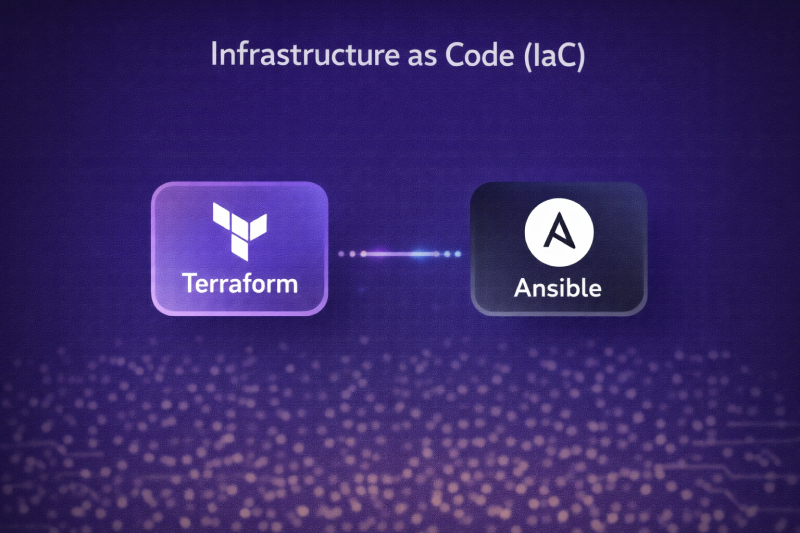
Infrastructure as Code means setting up servers, networks, and cloud resources using code instead of clicking buttons. This makes setups repeatable, safe, and fast.
1. Terraform: Terraform is used to create and manage cloud infrastructure using simple code files.
What it does:
- Creates servers, databases, networks, load balancers
- Works across AWS, GCP, Azure
When to choose Terraform:
- You want the same setup in dev, staging, and production
- You manage cloud resources at scale
- You want easy rollback and version control
2. Ansible: Ansible is used to configure servers and install software.
What it does:
- Installs apps and dependencies
- Updates servers
- Manages configuration
When to choose Ansible:
- Servers already exist
- You need automation without heavy setup
- You want simple, agent-less automation
7. CI/CD Automation
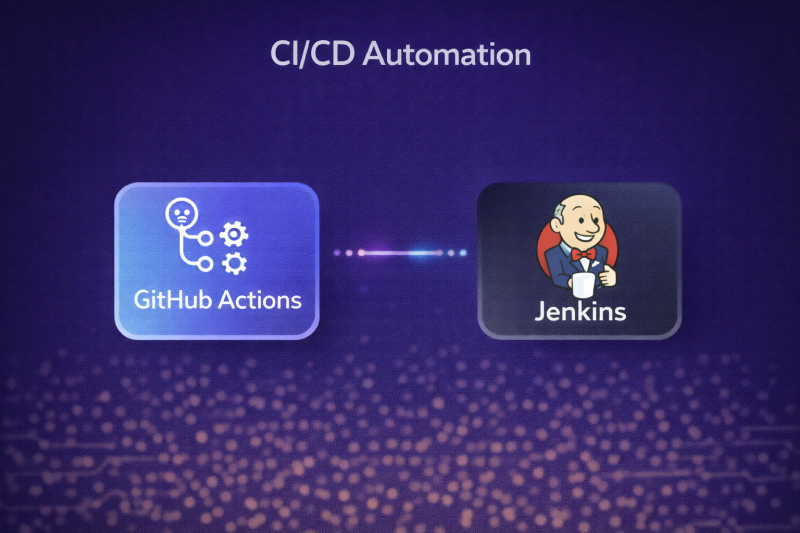
CI/CD means automatically building, testing, and deploying code whenever changes are made.
1. GitHub Actions
GitHub Actions is a built-in CI/CD tool inside GitHub. It works directly with your code repository.
When to use GitHub Actions:
- Your code is already on GitHub
- You want quick and simple automation
- You prefer less maintenance
2. Jenkins
Jenkins is a powerful and flexible CI/CD automation tool used by many companies.
When to use Jenkins:
- You need custom CI/CD pipelines
- You manage many projects
- You want deep integration control
8. Observability (Critical for platform Engineers)
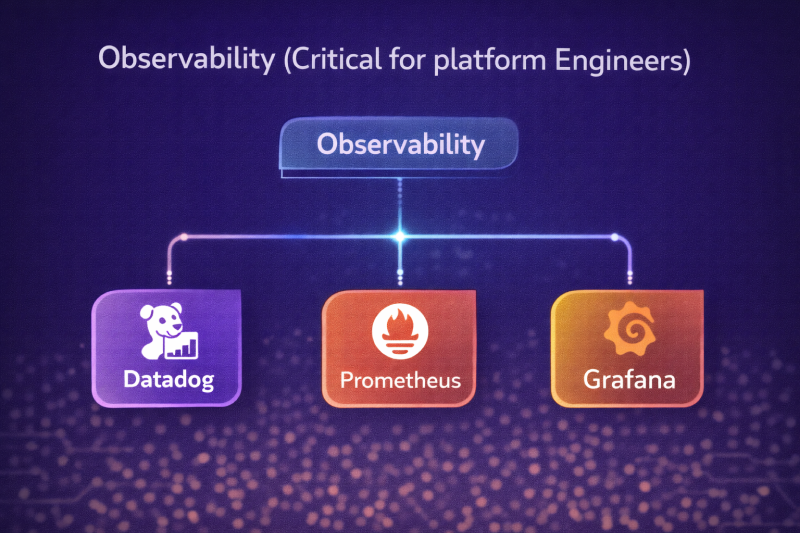
Observability helps teams see what’s happening inside their systems so issues can be fixed quickly.
1. Datadog: Datadog is a ready-made monitoring and observability tool. It helps teams see what is happening inside their systems in real time, without building anything from scratch.
When to choose:
- You want fast visibility
- You prefer a managed solution
- You don’t want to build monitoring from scratch
2. Prometheus: Prometheus is a metrics collection and monitoring tool. Its main job is to collect numbers over time and tell you when something is going wrong.
Choose Prometheus if:
- You use Kubernetes or microservices
- You want an open-source solution
- You need deep control over metrics
- You want powerful querying (PromQL)
- You have platform or DevOps engineers
3. Grafana: Grafana is a screen that shows what’s happening inside your system in a way humans can understand.
Choose Grafana if:
- You already use Prometheus or Datadog
- You want clear visibility into systems
- You manage microservices or Kubernetes
- You want custom dashboards
- You want to understand trends over time
9. Security & Compliance (DevSecOps)
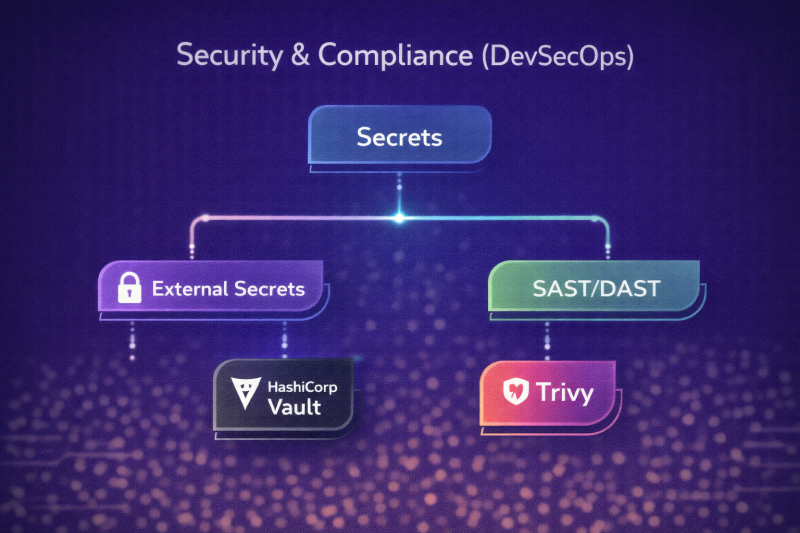
DevSecOps means adding security from day one, not after the app is live. Instead of checking security at the end, teams build it into code, pipelines, and infrastructure.
Secrets:
1. External Secrets: External Secrets pulls sensitive data from cloud secret managers into Kubernetes automatically.
When to use External Secrets:
- You are using Kubernetes
- Secrets already exist in AWS, GCP, or Azure
- You want simple secret syncing
2. HashiCorp Vault: Vault is a central security an credentials.
When to use HashiCorp Vault:
- Multiple apps sharing secrets.
- High security requirements.
- Compliance-heavy environment.
3. SAST/DAST: SAST and DAST are security testing approaches that help teams find vulnerabilities in applications before hackers do.
- Trivy: Trivy is a popular tool that helps with both SAST and DAST, mainly focusing on containers and code security.
10. Networking & Traffic management (As a server)
NGINX: NGINX is a tool that controls how traffic flows to your applications. Think of it like traffic police for your servers, it directs incoming requests, keeps things running smoothly, and ensures no server gets overloaded.
When to use NGINX:
- Your website or API gets a lot of traffic.
- You need better performance and reliability.
- You want to secure and manage server requests efficiently.
11. Databases & messaging (Ops Perspective)
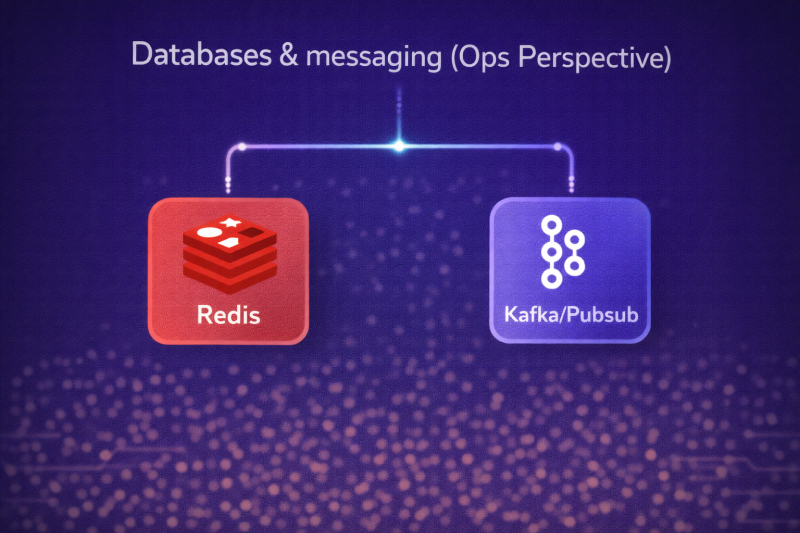
In modern apps, databases store information and messaging systems help different parts of your app talk to each other quickly and reliably.
1. Redis: Redis is an in-memory database. This means it stores data in memory instead of disk, which makes it extremely fast.
When to use Redis:
- To cache data that is frequently accessed
- To handle real-time data like chat messages or notifications
- For quick lookups that need sub-millisecond responses
2. kafta/Pubsub: Kafka and Pub/Sub are messaging systems. They let different parts of your app send and receive messages reliably without being directly connected.
When to use Kafka / PubSub:
- For event-driven systems where actions trigger other actions
- Real-time data pipelines like notifications, logs, or analytics
- Microservices architectures
12. Scaling & Reliability
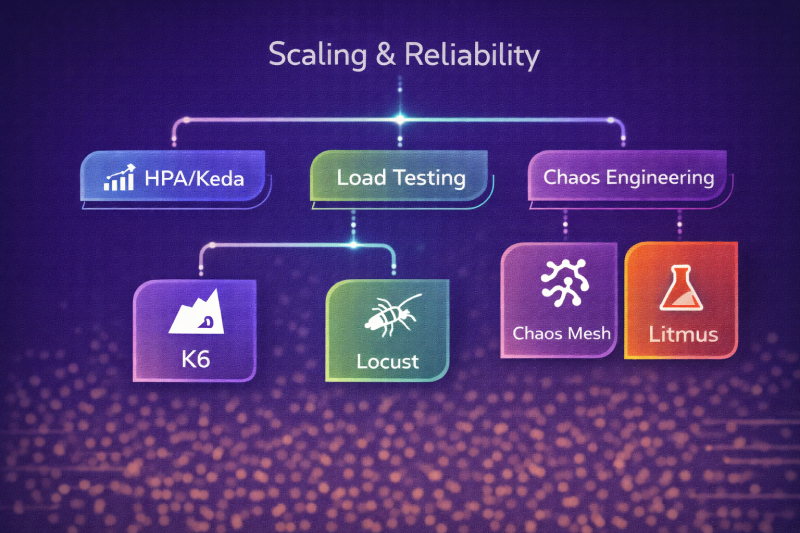
1. HPA/Keda: HPA (Horizontal Pod Autoscaler) and KEDA (Kubernetes Event-driven Autoscaling) are tools that automatically scale your applications in Kubernetes.
2. Load Testing: Load testing tools check how well your app performs under heavy usage.
Below are the tools for load testing:
- K6: K6 is a modern load testing tool used to check how an application performs when many users access it at the same time.
- Locust: Locust is another load testing tool, but it focuses on testing real user behavior.
3. Chos Engineering: Chaos engineering tools are not for load testing. They are used to test failures and system reliability.
- Chaos Mesh: Chaos Mesh is a chaos engineering tool designed for Kubernetes. It intentionally break things to see if your system can handle failure.
- Litmus: Litmus is another chaos engineering tool used to test reliability in cloud and Kubernetes environments.
13. Cost Optimization (FinOps)
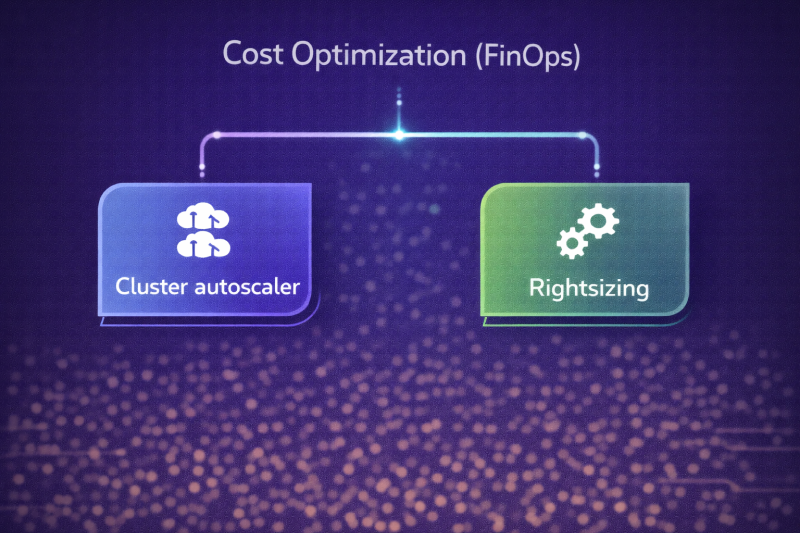
This step involves controlling costs without hurting performance. Cost Optimization tools help teams use only what they need and avoid paying for wasted resources.
1. Cluster autoscaler: Cluster Autoscaler automatically adjusts the number of servers in your cluster. This tool helps in adding servers when apps need more power.
When to use it:
- Your traffic goes up and down
- You run Kubernetes clusters
- You want automatic cost control
2. Rightsizing: Rightsizing means using just the right amount of resources for your apps. This tool helps in finding unused or over-sized servers.
When to use rightsizing:
- Monthly cost reviews
- After traffic stabilizes
- When cloud bills start growing
Final Thoughts
DevOps tools may look like a long list at first, and honestly, it can feel overwhelming. Linux here, Kubernetes there, cloud, security, monitoring, costs… it sounds like a lot.
But the truth is simple. You do not need everything on day one. You only need the tools that solve your current problems.
- If your team struggles with slow releases, CI CD tools will help.
- If apps crash when traffic increases, containers and scaling tools matter.
- If you do not know what is breaking at 2 AM, monitoring tools become your best friend.
Each tool in this guide exists for a real reason and a real pain point. Start small, grow step by step, and keep things simple.