
Coding today looks very different from a few years ago. Developers are no longer working alone with just an editor and Google.
NOW, AI coding assistants help you write, explain, and fix code without replacing developers.
Big tech companies like Microsoft, Google, Amazon, and GitHub are pushing AI coding assistants hard because they solve a real problem. Writing every line from scratch is no longer practical.
BUT, here’s the catch…. Not every AI coding assistant is actually useful. Some save hours, while others slow down or produce code you cannot trust. Many developers try one tool, feel confused, and quit too early.
This is why understanding an AI coding assistant matters. So, let’s get started and learn about it in detail.
What are AI coding Assistant?
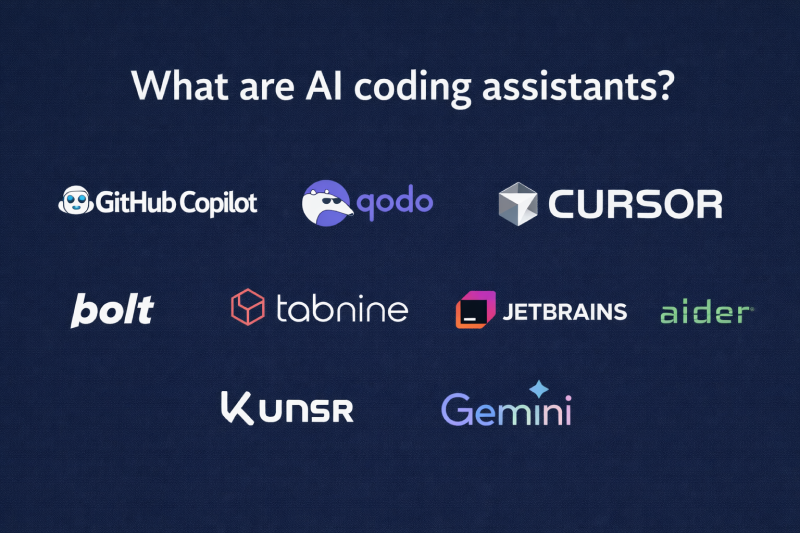
AI coding assistants are smart software tools that help developers write, understand, and improve code using artificial intelligence.
They work directly inside your code editor, read the context of your code, and suggest completions, explanations, fixes, and documentation as you build.
The goal is simple: to reduce repetitive work, catch mistakes early, and help developers focus more on solving real problems rather than typing syntax or searching for answers.
Why AI Coding Assistant Matter in 2026?
AI coding assistants matter in 2026 because the way software is built has changed. Modern codebases are larger, more connected, and harder to understand than before.
A single feature may touch APIs, databases, cloud services, and frontend logic. Keeping all that context in your head is exhausting and slow.
1. Developers spend more time reading code than writing it
In real projects, most time goes into understanding existing code, not creating new files. AI coding assistants explain functions, files, and logic in plain language, right inside the editor.
This cuts hours of onboarding time and reduces constant questions to teammates.
2. Speed now means fewer context switches
Productivity is lost when developers jump between tabs, docs, Stack Overflow, and repos. AI coding assistants keep everything in one place.
You ask questions, get explanations, refactor code, and write docs without leaving your IDE. That focus is what saves real time.
3. Code quality matters more than ever
In 2026, software failures are expensive. Security bugs, performance issues, and bad logic cost money and trust.
AI coding assistants help spot risky patterns, suggest safer code, and encourage cleaner structure while you code, not after bugs reach production.
4. Teams are shipping faster with a smaller headcount
Companies expect more output from lean teams. AI helps developers handle more responsibility without burning out. It automates repetitive work like:
- Boilerplate code
- Documentation
- Refactoring
- Test
This lets developers focus on design and problem-solving.
What are the Core features of AI Coding Assistant?
AI coding assistants are useful only when their features solve real developer problems.
Below are the core features that actually improve productivity, explained in a practical, easy-to-understand way.
1. Code Completion
Code completion helps you write code faster by suggesting the next line or block while you type. It understands your variables, functions, and file context, so the suggestions actually fit your code.
function calculateTotal(items) {
  return items.reduce((sum, item) => sum + item.price, 0);
}
This reduces typing, avoids small syntax mistakes, and keeps you focused on logic instead of details.
2. Code Explanation
Code explanation helps you understand what the existing code does in plain language. It is especially useful when reading old code, teammate code, or large projects.
You can quickly see what a function does, why it exists, and how different parts connect.
3. Writing Tests
Testing is important but tedious. AI coding assistants can automatically write test cases for your functions. They suggest what to test, including edge cases you might miss.
You write a function that adds two numbers. The AI generates:
- Test for positive numbers
- Test for negative numbers
- Test for zero
- Test for decimal numbers
- Test for edge cases
4. Bug Detection and Fix Suggestion
When your code breaks (and it will), AI coding assistants can:
- Spot the error
- Explain what went wrong
- Suggest how to fix it
Instead of Googling the error for 30 minutes, you ask the AI and get an answer in 30 seconds.
5. Code refactoring help
Refactoring improves existing code without changing its behavior. AI suggests a cleaner structure, removes duplicate logic, and improves readability. This keeps your code easier to maintain as projects grow.
6. Documentation and Comments
Nobody likes writing documentation. This is where AI coding assistants can help in generating:
- Comments explaining your functions
- README files for your projects
- API documentation
- User guides
It reads your code and writes clear explanations automatically.
Common Myths About AI Coding Assistants
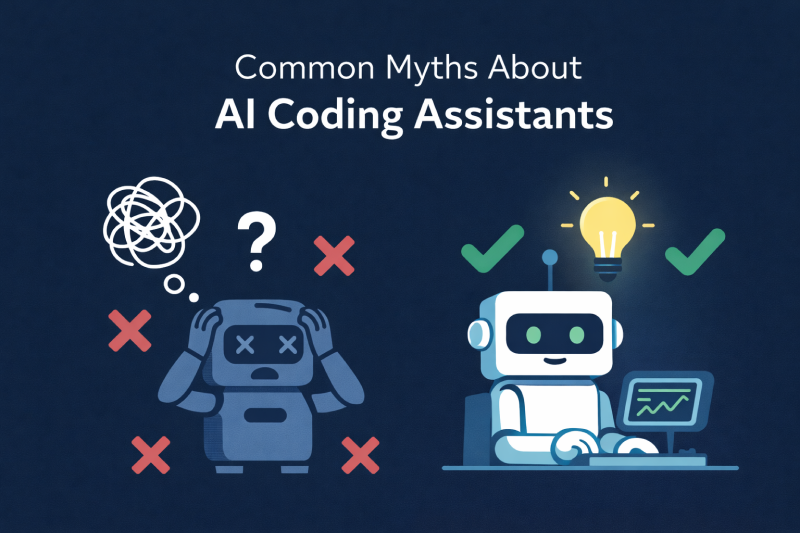
Myth 1: AI will replace developers
AI coding assistants do not replace developers. They do not understand business needs, user behavior, or real-world problems. They only assist with writing and understanding code.
Developers still make decisions, design systems, and take responsibility for the final output. AI simply helps reduce repetitive work and speeds up execution.
Myth 2: AI writes perfect code
AI does not produce perfect code. It suggests code based on patterns it has learned, which means mistakes can still happen.
The code always needs review, testing, and validation by a developer. AI helps move faster, but developers must still think, check, and improve what is generated.
Myth 3: AI makes developers lazy
AI does not make developers lazy. It removes boring and repetitive tasks like typing boilerplate or writing basic comments.
This allows developers to spend more time solving real problems, improving architecture, and thinking through logic. Used correctly, AI actually helps developers work smarter, not less.
Popular AI coding Assistants Tools Developers Should use in 2026
1. GitHub Copilot
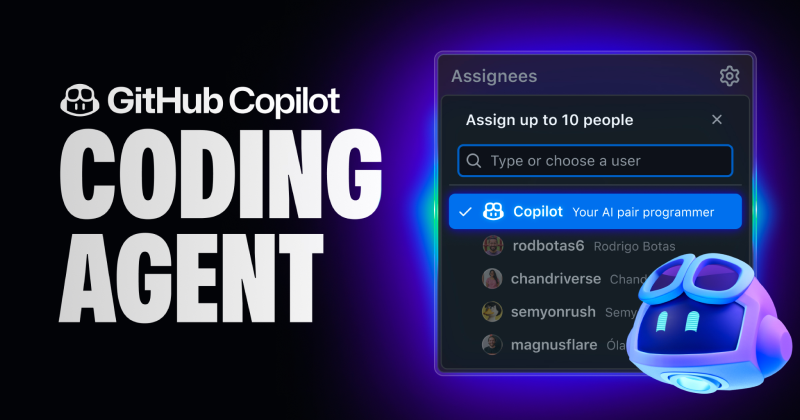
Best For: Beginners & intermediate developers
What it does: Copilot works directly inside your code editor and suggests code as you type. It can complete lines, generate functions, and even write docstrings.
Why it’s helpful:
- It speeds up coding
- Helps you learn syntax
- Reduces repetitive taste
2. Cursor
Best For: Developers working on complex projects
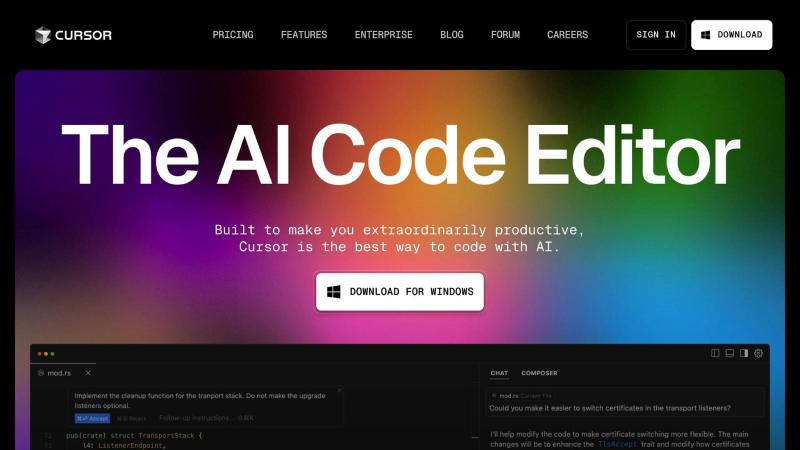
What it does: It was designed to help developers understand, edit, and refactor code using natural language. Cursor allows you to ask questions about your codebase, make changes through prompts, and work more easily with large projects.
Why it’s helpful:
It’s like having a coding partner who understands your project context, making it easier to maintain a large codebase.
3. Sourcegraph cody
Best For: Enterprise developers and backend teams
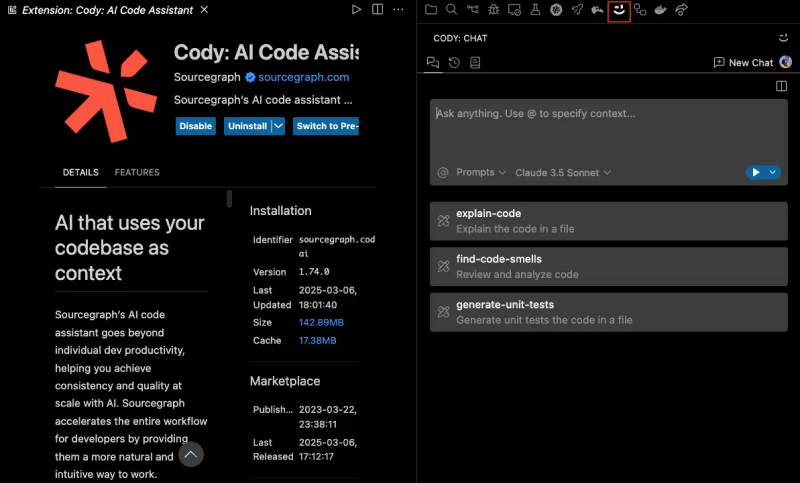
What it does: Cody reads your entire repository and helps you find code, understand logic, and automate repetitive tasks.
Why it’s helpful: Perfect for large projects or legacy code where understanding connections between files is hard. Cody can answer natural language questions about the codebase.
4. Tabnine
Best For: Privacy-focused teams and professionals
What it does: Tabnine predicts the next lines of code using AI models and works with the most popular editors. It can run locally for added privacy.
Why it’s helpful: It reduces typing, ensures consistency, and can integrate team-specific models. Ideal for sensitive projects or security-conscious environments.
5. Amazon Q Developer
Best For: Developers building on Amazon Web Services (AWS)
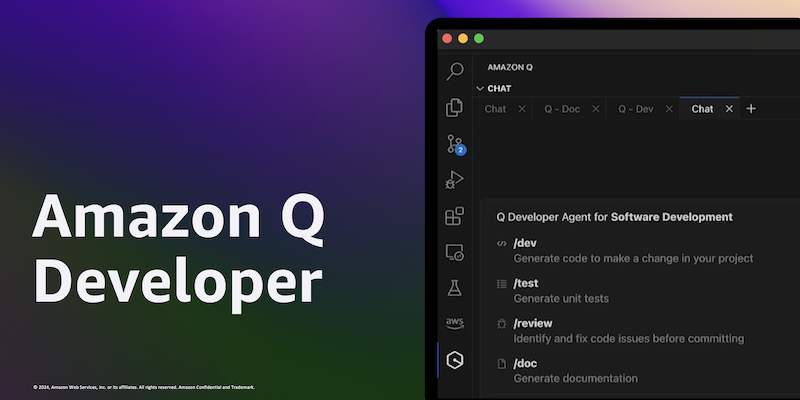
What it does: Helps developers build, debug, and manage cloud applications. It provides code suggestions, explains AWS services, and helps with cloud-specific tasks directly inside supported IDEs.
Why it’s helpful: It is useful because it understands AWS services like Lambda and CloudFormation, making cloud development easier and faster.
6. Replit Ai
Best For: Quick prototypes and learning
What it does: It helps developers write code, fix errors, and understand logic, making it popular for learning, prototyping, and fast development.
Why it’s helpful: Excellent for learning new languages, testing ideas quickly, or building MVPs without a heavy setup.
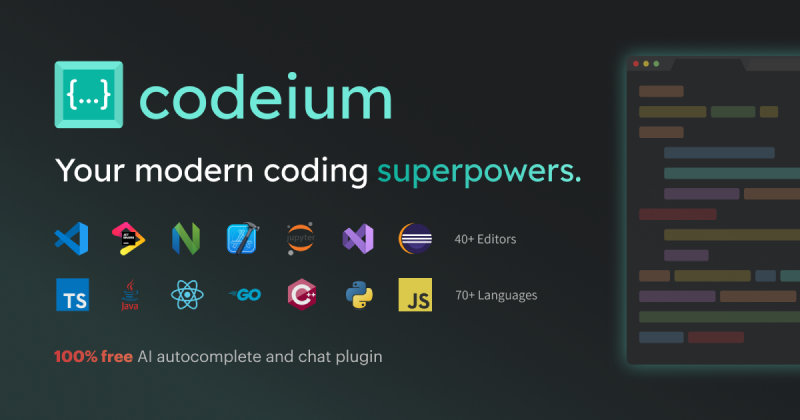
7. Codeium
Best For: Developers who want free AI coding support
What it does: A free AI assistant that offers code completion, suggestions, and explanations across many programming languages. It helps developers code faster without cost, making it a strong choice for students, freelancers, and small teams.
Why it’s helpful: It’s a free, lightweight tool that speeds up coding and reduces mistakes. Great for freelancers, students, or anyone who wants an easy AI coding assistant.
Final Thoughts
Coding does not have to feel like a solo late night struggle anymore. AI coding assistants are like that calm teammate who helps you spot bugs, suggest cleaner code, and remind you what you were trying to build in the first place.
They do not replace developers. They save time, reduce silly mistakes, and let you focus on real problem-solving instead of repetitive tasks. Less googling, fewer facepalm moments, and more progress.
The key is simple. Pick a tool, try it in your daily work, and see where it helps most. Coding is still your craft. AI just makes the journey smoother and a lot more fun.