

Developers write the code of the software we use every day. BUT here’s the truth most people don’t see.
Writing good code takes time, focus, and a lot of problem-solving. And in 2026, developers are expected to move faster than ever.
That’s where AI tools for developer productivity come in.
AI helps developers avoid repetitive work, debug faster, and focus on real coding. In fact, GitHub reports that developers using AI coding tools complete tasks up to 55% faster.
So, if you want to save time without compromising quality, these tools matter. Let’s get started.
Why Are Developers Using AI Tools in 2026?
Around 60–71% of developers say AI helps them understand complex code faster, making these tools valuable for learning as well as productivity.
Let’s see why they are saying so..
Developers turn to AI for:
- Faster coding: AI suggests code and auto-completes patterns so you spend less time typing and more time building.
- Better debugging: Tools can highlight errors and suggest fixes, reducing the back-and-forth of manual testing.
- Smarter learning: AI explains code, helping developers understand unfamiliar areas quickly.
- Automation of routine tasks: Documentation, repetitive loops, and other chores are generated or filled in by AI, reducing manual work.
Is Using AI tools safe for developers?
This is one of the most common questions developers ask today. And it’s a fair one.
AI tools are everywhere in coding now. But using them the wrong way can slow you down. Using them the right way can do the opposite.
Let’s break it down clearly.
Yes, AI tools are generally safe if used correctly. Most popular AI tools for developers follow strong security practices. Tools like GitHub Copilot, Tabnine, and Amazon CodeWhisperer offer privacy controls, data filtering, and enterprise-grade security options.
But safety depends on how you use them. What You Should Be Careful About:
- Do not paste sensitive data like API keys or passwords
- Review AI-generated code before committing
- Follow your company’s security and compliance rules
When used properly, AI tools for developer productivity help in real ways:
- Write repetitive code faster
- Catch errors early
- Reduce time spent searching docs
- Help understand large codebases
- Speed up debugging and reviews
Developers who treat AI as a helper, not a replacement, get the best results.
What are Top Ai tools for developer productivity?
These top AI tools for developer productivity help you write, debug, and understand code faster. Don’t miss #3, it’s especially useful for any developer.
1. Greptile
Greptile is an AI tool that helps developers understand large and complex codebases. It analyzes your entire repository, which makes it especially useful for teams working on complex or long-running projects.
Additionally, it connects directly to GitHub and GitLab and adds smart inline comments to pull requests. Not just this, it automates code review and explains logic clearly, helping teams move faster with quality.
| Pros | Cons |
|---|---|
| Helps catch complex bugs and hidden dependencies | Higher costs than simple code review tools |
| Suggests good-quality code improvements | It does not generate a full application from scratch, so teams may pair it with other AI coding tools |
| Automates review work, allowing developers to merge PRs faster and focus on building features |
Pricing:
Cloud plan: $30 per developer/month
14-day free trial
2. Cursor
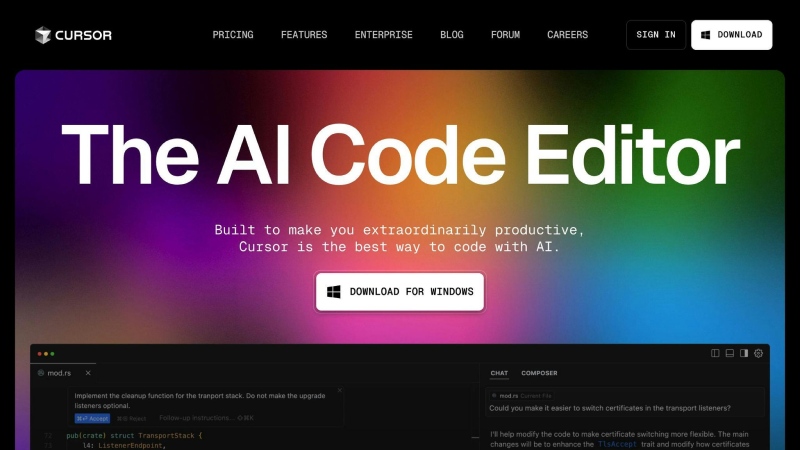
Cursor is an AI-powered coding assistant designed to make developers more productive. It works directly inside your code editor and understands your entire project, not just the file you’re working on.
With Cursor, you can write code faster, fix bugs quicker, and refactor projects more easily. It can suggest entire functions, help edit multiple files at once, and even explain complex code in simple language.
| Pros | Cons |
|---|---|
| Smart code completions and suggestions | The free plan is limited |
| AI chat and editing commands so you can ask questions about your code | Most AI features need an internet connection to work |
| Cursor is easy to adapt if you are familiar with VS Code | AI suggestions are strong but not perfect, you still need to check the code |
Pricing:
Pro plan: $20/month
Business/teams plan: $40/user/month
Ultra/Enterprise: $200+ or custom pricing
3. Replit
Replit, a cloud-based coding platform that lets you write, run, and debug code right in your browser. It comes with an AI assistant called Ghostwriter. Which helps you generate code, fix bugs, and understand what your code does, all without installing anything on your computer.
It is especially useful for learning, prototyping, and quick development when you want things to work instantly online.
| Pros | Cons |
|---|---|
| Works entirely in the browser, so you can start coding instantly | You need an internet connection to code and use AI features |
| Easy to share and work on code with others in real time | Basic coding is free, but AI help and advanced features require a paid plan |
| Works with 50+ languages like Python, JavaScript, and more | Not ideal for large enterprise projects |
Pricing:
Hacker plan: $7/month
Pro plan: $20/month
Team/Business plan: $20-40/user/month
4. GitHub Copilot
GitHub Copilot is an AI coding assistant that helps developers write and improve code right inside their editor. As you code, it gives real-time suggestions that save time on repetitive tasks and help you focus on logic and design.
It understands the structure of your project and offers helpful autocompletions, reducing the time spent writing boilerplate or looking up syntax.
| Pros | Cons |
|---|---|
| Saves time on repetitive code | Suggestions aren’t always perfect |
| Improves workflow with IDE integration | Privacy and licensing concerns |
| Supports many languages | Can reduce problem-solving practice |
Pricing
Free: $0
Pro: $10/month
Pro+: $39/month
5. Sourcegraph Cody
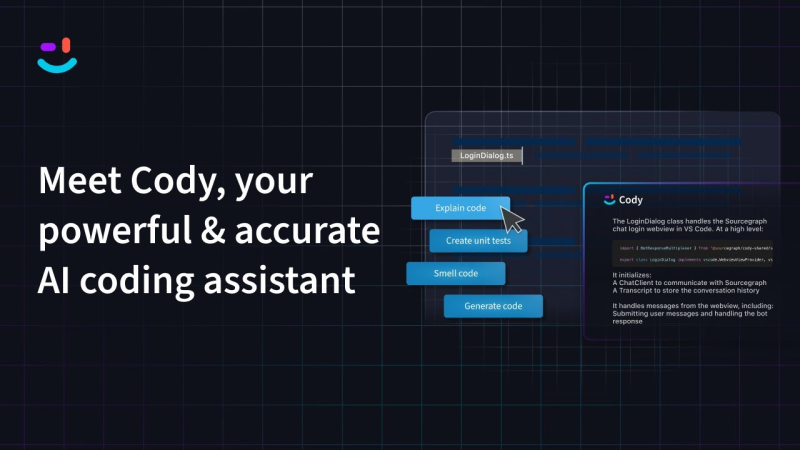
Sourcegraph Cody is an AI coding assistant built for developers who work with large and complex codebases. It helps you write, fix, and understand code faster by combining AI with deep knowledge of your full codebase.
You can ask Cody questions in natural language and get context-aware code completions. It also helps automate refactoring and documentation without switching tools or searching files.
| Pros | Cons |
|---|---|
| Cody uses the full codebase context to give accurate suggestions | May be heavy for small projects |
| Better debugging and refactoring | Setup can be complex |
| Works with popular editors |
Pricing
Cody pro: $9per user/month
Enterprise: Custom pricing
6. Tabnine

Tabnine is an AI code completion tool that helps developers write code faster and with fewer mistakes. It works inside your code editor and predicts the next lines of code using context. This helps you type less and focus more on solving real problems.
Additionally, it supports many languages and frameworks. Making it useful for developers working in Python, JavaScript, Java, Go, and more. It learns from your own coding style over time, so its suggestions get better the more you use it.
| Pros | Cons |
|---|---|
| Fast code completion | Suggestions are not always perfect |
| Supports many languages | Most powerful suggestions need an internet connection |
| Works with major editors | Some advanced capabilities are only available in paid plans |
Pricing
Pro: $12/month
Teams: $24/user/month
Enterprise: Custom pricing
7. Codiga

Codiga is an AI driven code analysis and review tool that helps developers find bugs, improve code quality, & enforce coding standards. It works by scanning your code and suggesting improvements. This makes the project stay clean, safe and consistent as it grows.
It catches common issues early, suggests fixes, and helps teams keep standards high. This means fewer bugs in production, faster reviews, and better code overall.
| Pros | Cons |
|---|---|
| Codiga flags problems and style issues before they become bigger bugs | It only focuses on quality and review and does not generate whole features like some AI code tools |
| Teams can set their own quality rules for consistent coding style | Setting up custom team rules takes time and review to get right |
| It doesn’t just notify you of issues, it tells you how to fix them | Advanced insights and team features require a paid plan |
Pricing
Pro: $14/month
Team: $30
Enterprise: Custom Pricing
8. Amazon CodeWhisperer
Amazon CodeWhisperer is an AI coding assistant made by AWS. It helps developers write code faster by suggesting code snippets and completions as you type.
It works inside your editor and understands the AWS context, so suggestions are useful for cloud-based development too.
| Pros | Cons |
|---|---|
| It suggests code snippets, whole lines, and functions so you write less and build faster | AI suggestions sometimes need adjustments or fixes |
| Since it’s made by AWS, it offers smart suggestions for cloud code and services | The free plan has limits on features compared to paid plans |
| Helps spot potential security issues while you write | It helps with suggestions but doesn’t deeply analyze the entire codebase like some tools |
Pricing
Pro Plan: $19-$30/month
Enterprise plan: Custom pricing
9. Windsurf

Windsurf is an AI-powered coding environment built to boost developer productivity by making code writing, reviewing, and deployment smoother and faster. It uses an AI agent (called Cascade) that remembers your project’s structure and coding patterns.
This helps it give better suggestions, fix lint errors automatically, and even help you work with external tools like Figma or Slack from inside the editor.
| Pros | Cons |
|---|---|
| All-in-one coding experience | You need an internet connection for most AI-powered features |
| Helps in detecting and fixing code style issues as you type | Some users have found the AI suggestions slow or inconsistent at times |
| You can preview and launch apps without switching to separate tools | Free and lower tiers have limits on daily app deployments |
Pricing
Pro: $15 per month
Teams: $30 per user/month
Enterprise: $60 per user/month (or custom)
10. JetBrains IntelliJ IDEA

JetBrains IntelliJ IDEA is a powerful code editor (IDE) designed mainly for Java developers. But it also supports many other languages like Kotlin, Python, JavaScript, and SQL. It’s built to help developers write better code faster.
IntelliJ IDEA includes smart features like autocomplete, error checks, refactoring tools, and built-in debugging, all in one place.
| Pros | Cons |
|---|---|
| You can run, test, and fix bugs inside the same environment | It can use a lot of memory and CPU, especially for large projects |
| Helps you safely rename, move, or restructure code without breaking things | Beginners might find the interface and features overwhelming at first |
| Hundreds of plugins extend features for every type of project | Advanced features are in the paid edition, which might not fit every budget |
Pricing
Individual: $129 in first year
$104 in second year
$79 per year after that
Business: $249 per user per year
Final Thoughts
And that brings us to the finish line. AI tools are not here to replace developers or magically write perfect code while you sip coffee. They are here to save time, cut boring work, and help you focus on real problem solving.
The tools listed above are already helping developers ship faster and stress less. You do not need to use all of them. Start with one, see how it fits your workflow, and build from there.