
Training and development are changing fast, and AI is the reason.
Teams no longer want long PDFs, boring videos, or one-size-fits-all training sessions. They want learning that’s quick, personal, and actually useful at work.
That’s where AI tools for training and development come in.
According to reports from McKinsey and IBM, today, companies using AI-based learning tools see up to 30–40% better training engagement.
And the good news? You don’t need a huge budget to get started.
The real challenge isn’t whether AI works for training. It’s knowing which free tools are worth your time. That’s exactly why this list exists, 7 free AI tools for training and development, tried, tested, and explained in simple terms.
Why AI Tools for Training and Development Matter for Developers?
Before diving into specific tools, let’s establish why this matters.
Traditional developer training, reading documentation, following tutorials, and debugging errors manually haven’t fundamentally changed in decades.
You learn by doing, but the feedback loop is slow. You make mistakes, Google for hours, read Stack Overflow threads from 2014, and hope something works.
AI tools for training and development flip this model. Instead of hunting for answers, you get:
- Instant explanations of complex code or concepts.
- Personalized learning paths based on your skill level.
- Interactive practice with real-time feedback.
- Code suggestions that teach patterns while you build.
- Automated testing and debugging that shows you what went wrong and why.
The result? According to recent data, developers using AI tools report 40+ hours saved monthly and significantly faster skill acquisition compared to traditional learning methods.
But here’s the catch: Not all AI tools for training and development are created equal. Let me show you the ones that actually work.
Best AI Tools For Training and Development
1. Hugging Face Learn (100% free forever)

Hugging Face Learn is a free learning platform focused on AI and machine learning. It teaches developers how to work with real AI models, especially for text and language tasks.
How it helps developers:
- Learn AI by writing real code, not just reading theory.
- Practice with real datasets and pre-trained models.
- Understand modern AI concepts like transformers and embeddings.
- Perfect for developers moving into AI or ML roles.
2. Coursebox AI
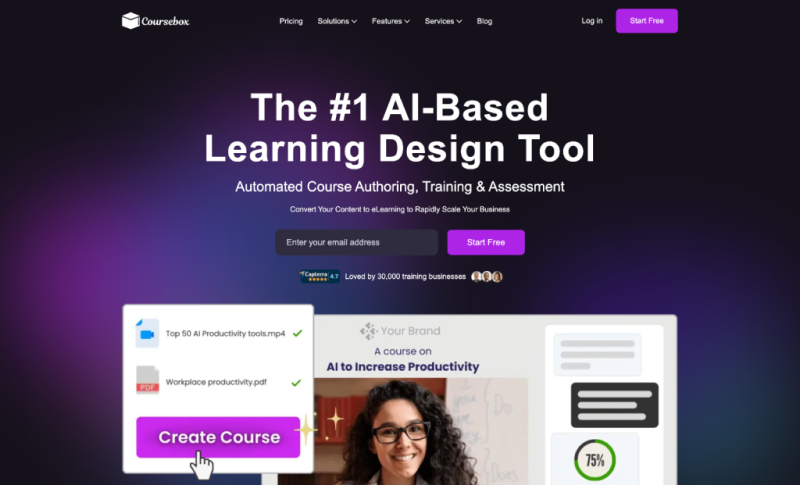
Coursebox AI is an AI-powered training platform that helps create learning content quickly. You can turn notes, documents, or ideas into structured courses with lessons, quizzes, and assessments.
How it helps developers:
- Makes learning more organized, rather than jumping between random tutorials.
- Breaks complex technical topics into small, easy lessons.
- Useful for self-learning and internal team training.
- Helps developers learn faster with guided, step-by-step content.
Free access: Offers a limited-features plan.
3. Codeium
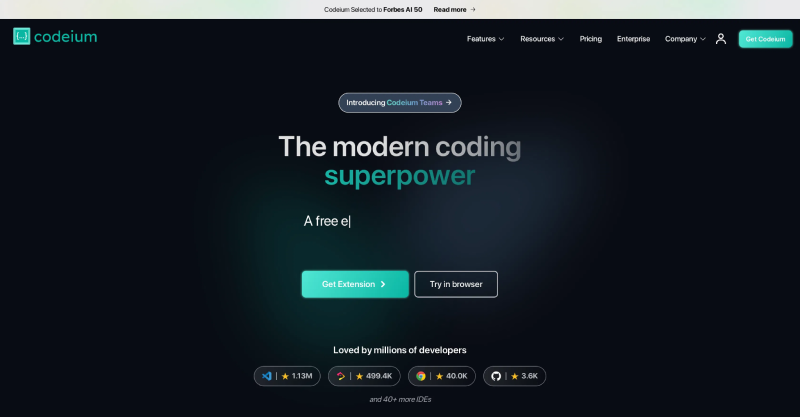
Codeium is an AI-powered coding assistant that works directly inside your code editor, such as VS Code or JetBrains. As you write code, it understands your context and suggests complete lines, functions, or logic in real time.
You don’t need to switch tabs or search documentation. The help comes to you while you code.
How it helps developers:
- Reduces time spent writing repetitive code.
- Helps you learn new languages and frameworks naturally.
- Shows clean coding patterns while you work.
- Acts like a real-time mentor during daily development.
4. Pieces for Developers
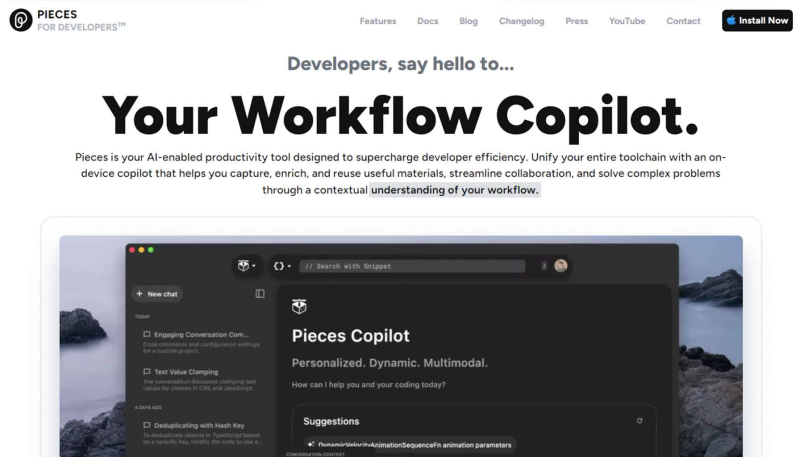
Pieces for Developers is an AI-powered productivity tool built to help developers save, organize, and reuse code snippets, components, and technical solutions. Instead of copying code into random notes or losing useful snippets across projects, Pieces automatically captures and manages your code knowledge in one place.
It works quietly in the background and understands what kind of code you write, which language you’re using, and how different snippets relate to each other.
How it helps developers:
- Prevents rewriting the same code again and again.
- Helps you build better coding habits with reusable components.
- Lets you review past solutions to improve understanding.
- Supports long-term skill growth by learning from your own code history.
5. Codecademy AI Courses
Codecademy AI Courses are structured, interactive learning programs. It is designed to teach developers artificial intelligence, machine learning, and AI-related programming skills from the ground up. Instead of watching videos or reading long theory-heavy guides, you learn directly by writing code inside your browser.
These courses are built for developers who want a clear learning path. Each topic is broken into small lessons that explain the concept first, then immediately ask you to apply it in code. This makes learning feel practical, not overwhelming.
Why developers use it:
- Learn AI concepts in a structured order.
- Practice coding directly instead of passively consuming content.
- Build habits through repetition and hands-on problem solving.
- Track progress and stay consistent with learning.
6. Google AI Studio
Google AI Studio is a learning playground for developers exploring AI. You can experiment with prompts, see how AI responds, and understand how changes in input affect output. This hands-on approach helps developers learn AI concepts naturally, without diving into heavy theory.
It’s especially useful for understanding how AI models can be integrated into real products. You learn how AI handles text, logic, and workflows, which is critical for building production-ready features.
How it helps developers:
- Helps you understand how large-scale AI systems work.
- Let’s you test prompts and AI workflows easily.
- Useful for building real AI-powered features.
- Bridges the gap between learning and production use.
7. Snyk Learn
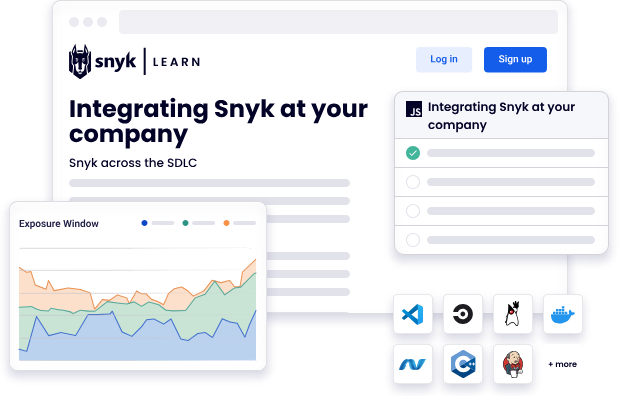
Snyk Learn is a developer-focused learning platform built to teach secure coding in a practical, hands-on way. It shows real security bugs in code and teaches you how to fix them.
Created by Snyk, a company known for helping developers find and fix vulnerabilities in production software. That means the lessons are based on real-world security problems, not textbook examples.
For developers in training, this is critical. Security is often ignored until something breaks. Snyk Learn makes it part of daily learning and development, even for beginners.
How it helps developers:
- Teaches how security issues appear in real code.
- Shows how to fix vulnerabilities step by step.
- Helps developers write safer, production-ready code.
- Builds strong security habits early in development.
Final Thoughts
Training does not have to feel like a long lecture with half the team zoning out. The right AI tools can turn learning into something people actually enjoy, or at least do not avoid.
These free tools help teams learn faster, practice better, and save time without burning the budget. They handle the heavy work so trainers can focus on what matters most, helping people grow.
Try a few, see what clicks with your team, and keep improving along the way. Learning is not a one-time task. It is an ongoing process, and with AI on your side, it can be a lot more fun.