
You know what’s interesting? A few years ago, almost every web developer was writing pure JavaScript. It was simple, fast, and everyone knew it.
Now? Things are changing fast. More developers are choosing TypeScript, and not just big companies but startups and agencies too.
Why? TypeScript helps catch errors early, makes code easier to maintain, and works perfectly with modern frameworks. JavaScript is still everywhere, but TypeScript is becoming the go-to choice for developers who want safer, cleaner, and more scalable web apps.
In this guide, we’ll break down how both languages work, their benefits, and which one could be the right fit for your next project.
Understanding Typescript vs JavaScript: What’s the real difference
Before we dive deep into the TypeScript vs JavaScript comparison, let’s clear up what we’re actually talking about here.
What Is JavaScript?
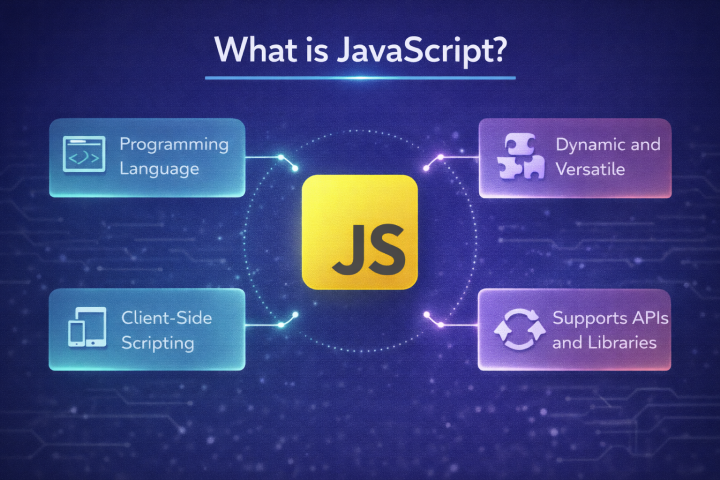
JavaScript is the programming language that powers the web. It was created in 1995 and runs in every browser.
When you click a button, submit a form, or see animations on a website, that’s JavaScript doing its magic. It is also extremely popular and used on about 99% of all websites today.
JavaScript is dynamically typed, which means you don’t have to declare what type of data a variable holds, JavaScript figures it out as your code runs.
What is TypeScript?
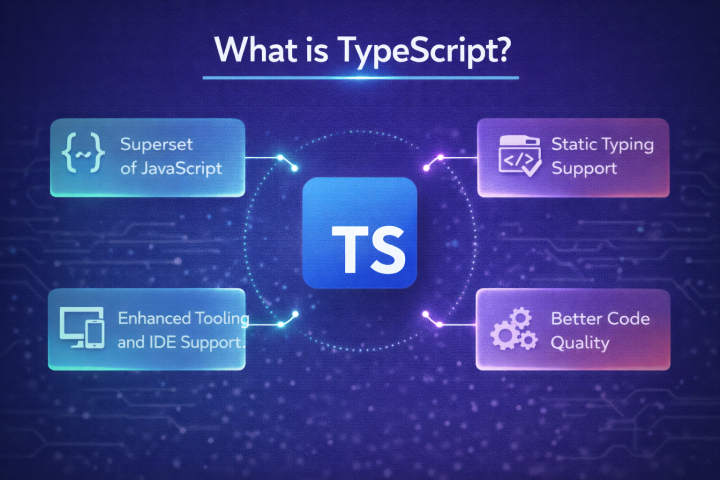
TypeScript, created by Microsoft in 2012, is technically a “superset” of JavaScript. You can think of it as “JavaScript with a safety net.” It adds static typing and extra tools that make code more predictable and easier to maintain over time.
The big difference is that TypeScript checks your types while you write code, before it even runs. This catches errors early and prevents many common bugs from ever reaching production.
Core Differences Between Typescript and JavaScript
| Aspect | JavaScript | TypeScript |
|---|---|---|
| Typing | Dynamic (checked at runtime) | Static (checked at compile time) |
| Error detection | Errors show up when the code runs. | An error shows up before the code runs. |
| Compilation | No build step needed | Must compile to JavaScript |
| Tool Support | Basic IDE help | Rich autocompletion, error detection, refactoring |
| Scalability | Better for small apps | Better for large apps and teams |
| Learning Difficulty | Easy to start | Slightly steeper at first |
An In-Depth Comparison of TypeScript vs JavaScript for Modern Web Development
1. Type Safety and Error Prevention
This is the biggest reason developers move to TypeScript.
JavaScript is flexible. You can change data types anytime, and the code will still run. That feels great at first. But that same flexibility can cause bugs that only show up after users start using your app.
TypeScript adds guardrails. You tell it what kind of data your code should expect, and it warns you early if something looks wrong. Errors show up while you write code, not after deployment.
If avoiding surprise bugs matters to you, TypeScript wins here.
2. Learning Curve and ease of use
JavaScript is easier to start with. You write code, refresh the browser, and see results instantly. No extra setup. No rules getting in the way. This makes JavaScript perfect for beginners and quick experiments.
TypeScript needs more effort at the start. You must understand JavaScript first, then learn types slowly. At first, it feels strict. But after a few weeks, many developers feel more confident because the code explains itself.
JavaScript is easier to begin with. TypeScript is easier to grow with.
3. Daily developer experience
JavaScript feels fast and lightweight, especially for small projects. But as projects grow, things get messy. You forget what functions expect, jump between files, and rely on memory or comments.
TypeScript turns your editor into a smart assistant. You get better suggestions, instant error warnings, safe refactoring, and built-in documentation. Once you experience this, plain JavaScript can feel uncomfortable.
For daily development, TypeScript feels more controlled and predictable.
4. Performance and speed
At runtime, there is no difference.
TypeScript compiles into JavaScript, and the browser runs JavaScript only. This means your app performance is the same in both.
The only difference is during development. TypeScript adds a build step, but modern tools make this fast enough that most teams barely notice. Performance is a tie.
5. Code Maintainability and scaling
JavaScript works well for small projects. But as files grow and teams expand, maintaining JavaScript becomes risky. Refactoring feels scary, and bugs slip in quietly.
TypeScript shines in large codebases. Types act like documentation. You know what each function needs and returns. When you change something, TypeScript shows you everywhere that needs fixing.
For long-term projects, TypeScript is far easier to maintain.
6. Industry Adoption and Jobs
JavaScript is everywhere and always will be. Every web developer needs it.
But TypeScript adoption is growing fast. Most modern companies prefer it. Many new projects start with TypeScript by default. Job listings increasingly ask for TypeScript experience.
Knowing both gives you the strongest career advantage.
Common misconception: TypeScript Vs JavaScript Myths
Myth 1: TypeScript makes you write way more code.
Reality: At first glance, TypeScript looks like extra work because you add types. But in reality, it is smarter than it seems.
TypeScript often figures out types on its own, so you do not have to write everything manually. And because many errors are caught early, you actually spend less time fixing bugs later.
Myth 2: TypeScript is only for large teams.
Reality: This is a common misunderstanding. Even if you work alone, TypeScript helps you avoid silly mistakes and keeps your code organized.
When you come back to your project after weeks or months, TypeScript makes it easier to understand what your own code is doing.
Myth 3: JavaScript is disappearing.
Reality: JavaScript is still the base of the web. TypeScript does not replace it. It simply adds a layer on top. In fact, you cannot use TypeScript properly without understanding JavaScript first.
Myth 4: TypeScript is too complex for beginners.
Reality: Yes, there is a learning curve. But it is not a wall. You can start slow, use simple types, or even avoid types at the beginning.
Over time, you add more as you get comfortable. This makes learning smoother instead of overwhelming.
Myth 5: TypeScript slows down development.
Reality: In the beginning, it might feel slower because you are learning something new. But as your project grows, TypeScript saves time.
It reduces bugs, makes changes safer, and helps you move faster without breaking things.
Final Thoughts
Remember when bugs showed up only after users complained? A broken button. A crashed form. By the time teams noticed, the damage was done.
That is why the TypeScript vs JavaScript choice matters in 2026. JavaScript works great when speed is the priority. But as apps grow, small mistakes get costly. TypeScript helps by catching problems early, before users ever see them.
Both tools work. The real difference is risk. Pick the one that lets you deploy and sleep peacefully.